Keep a copy of your finished dub.
Finish your lines, watch the scene, and save a video outside your browser’s local storage.
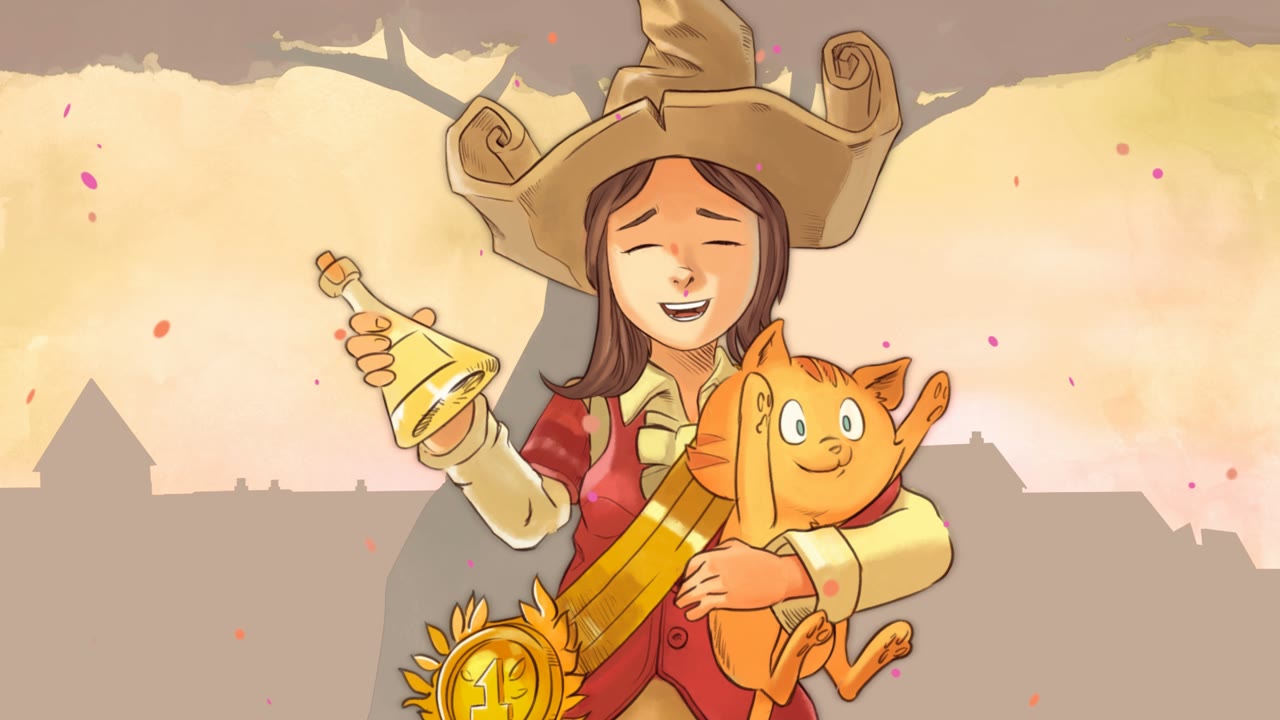 Pepper & Carrot · The winner
 Download the completed scene
Complete all lines for your selected role, then choose Finish my dub. Review the result with Watch my dub and select Download video. The export combines the picture, your selected takes, the other character’s original performance, and the background audio.
Keep the tab visible while the video is created. Export runs on your device and can take time. Cancel export if you need to stop, then try again when you can leave the tab open.
MP4 or WebM depends on your browser
The game uses the video recording and encoding formats available in your browser. A supported browser may export MP4 or WebM; there is no universal promise that every browser can produce both.
If the video download control reports that recording support is unavailable, try a recent compatible browser. A phone may behave differently from a desktop, so keep the page in the foreground during export and check the downloaded file before clearing the draft.
A saved draft is different from a downloaded file
Saved dubs stores takes and project details in this browser on this device. It is useful for returning to an unfinished scene, but it is not an account backup. Signing in does not sync drafts to another device.
Clearing site data, using another browser profile, or opening the site on another device can make those drafts unavailable. Download a completed video you want to keep. The downloaded video is a finished result, not an editable project that the game can import again.
Keep film attribution when sharing
The exported video includes the film’s source attribution and license. Keep those credits visible in a shared copy. Check the source and license links on the scene’s detail page for the terms that apply to that excerpt.
Pepper & Carrot scenes carry CC BY-SA 4.0. If you share an adaptation of those scenes, the ShareAlike terms apply. Blender film excerpts use the individual licenses listed with their scenes. Your performance does not remove the source film’s licensing requirements.
You decide where to publish a downloaded video. The game does not upload it to a public gallery or create a public result URL.
Questions & answers
Can I share a link to my saved recording?
The current game does not host public recordings or create shareable result links. Download the finished video and share that file through a service you choose.
Can signing in recover a dub from another device?
No. Recordings stay in the browser where they were created. An account does not provide cloud backup or cross-device recording sync.
Give a scene your voice.
Choose a short excerpt, hear the original, and try your own delivery. Free to play, with no signup needed.
Choose a sceneMore questions