Play a free
voice over game.
Start with Sue Sylvester’s Photo ID meme. Hear the original, record your delivery, and watch the clip with your voice.
1 line · 7-second scene · Free · No signup neededWhy this pick? A recent pick with 120.2K videos using its sound, checked Oct 6, 2026.
Original clip · Source & credits
Source: Photo ID. Video post by official_glee; original audio and picture rights remain with their respective owners.
Short original clip prepared for timed dubbing. Selected dialogue is replaced by your recording. No separate music/effects stem is supplied; your recorded lines use a voice-only replacement.
Original rights remain with their respective owners. Source credit is included in your downloaded video; keep it when sharing.
More meme voices to try.
A questionable plan, a Monday rant, or a sudden panic. Choose your delivery.
 Meme dub0:05
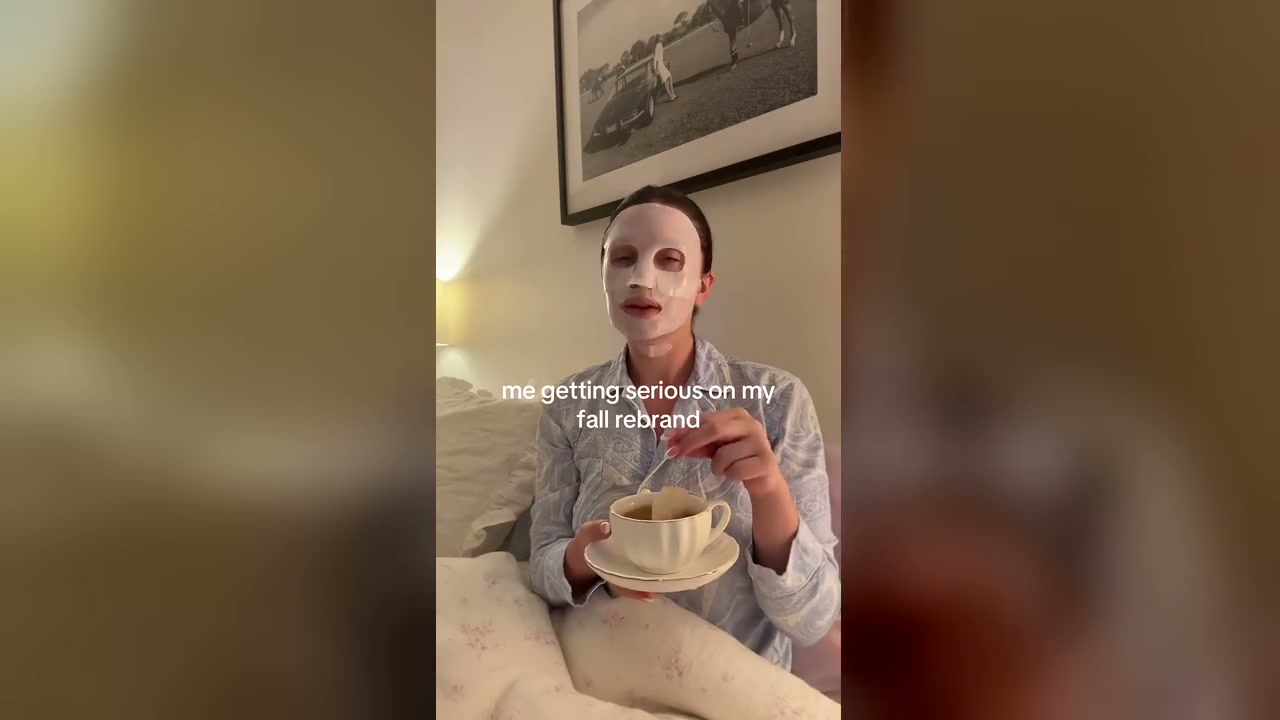
I Got a Plan
A confident plan meets a suspicious friend and an evasive answer.
 Meme dub0:05
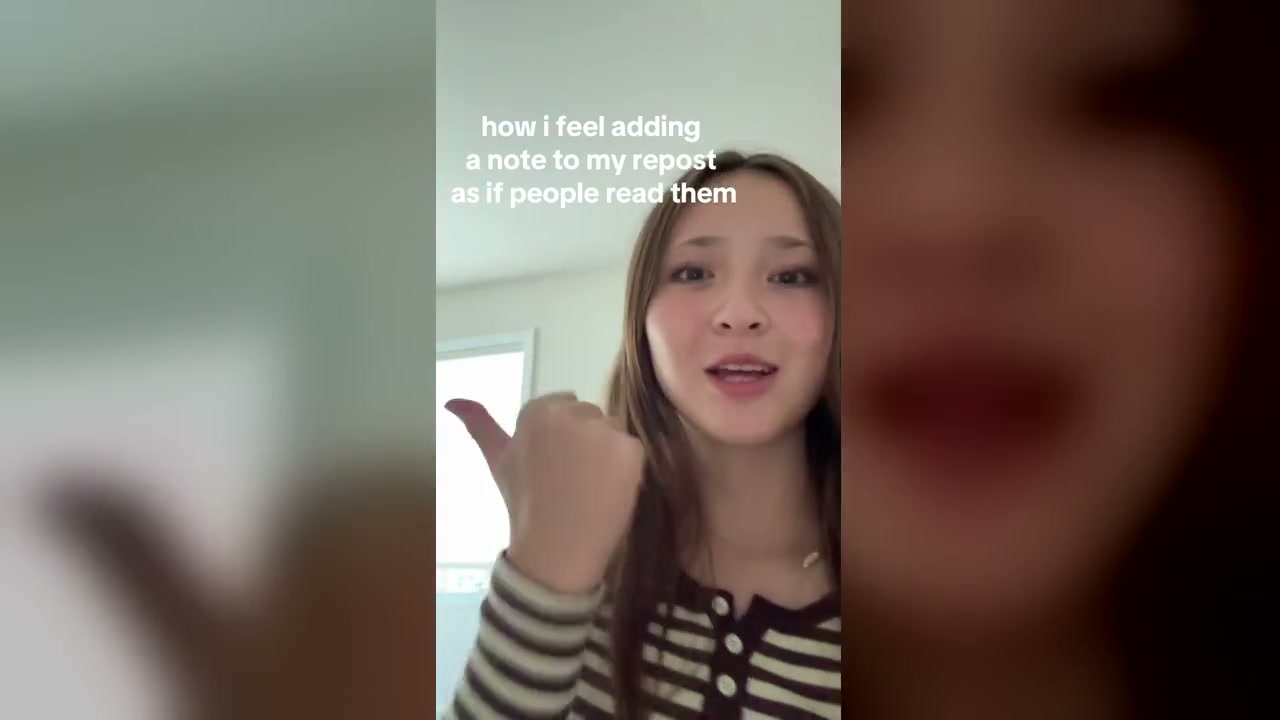
Grrr Mondays
An ill-timed Facebook post turns into an absurd Monday complaint.
 Meme dub0:05
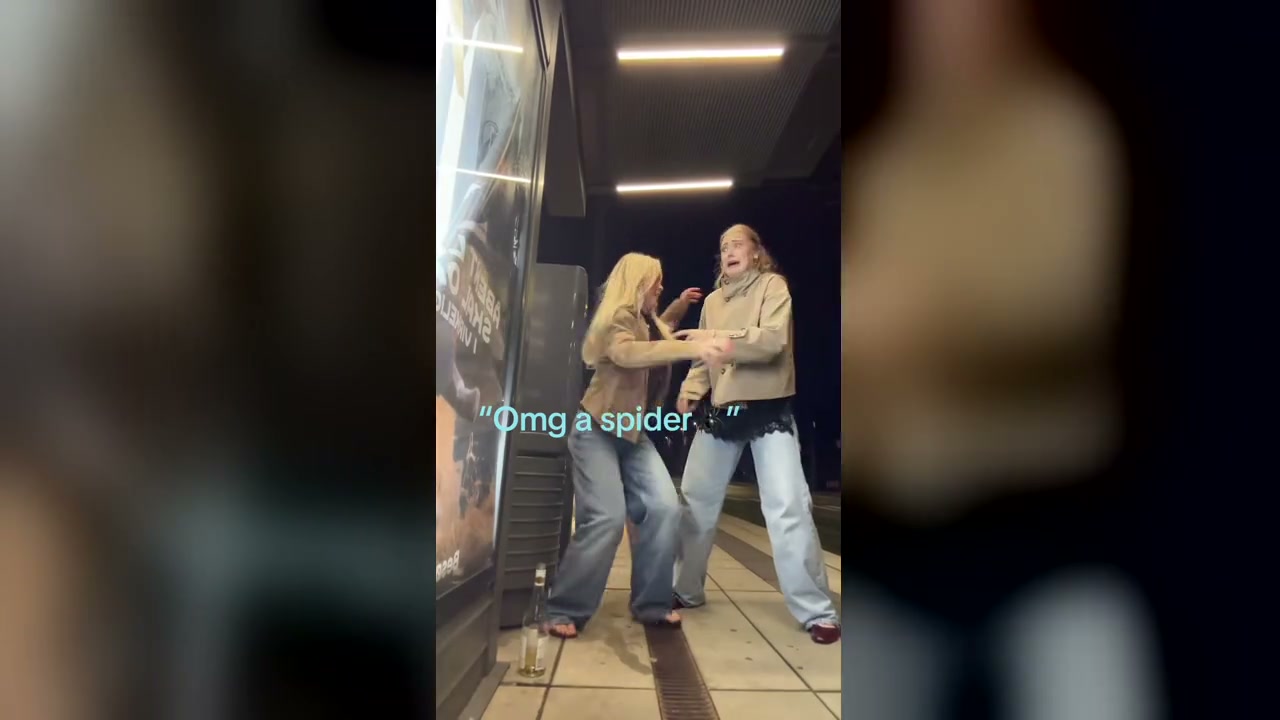
Oh Look
Give your voice to the spider-and-relationship caption reaction meme.
How to play
a voice over game.
voiceovergame is a free browser-based voice over game where you perform short meme clips and licensed film scenes. Watch the reference, record the scripted lines, replay the scene with your voice, and download your dub. No signup is required, and recordings stay in this browser on this device. The library has 10 meme challenges and 16 excerpts from 5 real films and animations. Explore comedy, fantasy, sci-fi, and drama, or start with a meme voice over game. Start with a quick take or try a longer exchange in a full scene. Pick the mood you want to try; the scene and script are ready for you.
- 01
Choose a scene and character.
A quick take gives you one line for your character, making it an easy first dub. A full scene gives you more lines and a longer exchange. Preview the original, choose your role, and listen for the timing and mood. The other character’s original voice can stay in the scene while you perform your part.
- 02
Record your voice, line by line.
Allow microphone access when you are ready to record. Follow the script and picture, then listen to your take in the scene. Try again if you want a different delivery; you can redo one line without restarting the whole dub. Focus on the character’s intention as well as the words: hopeful, impatient, delighted, or completely unimpressed.
- 03
Replay and download your dub.
Finish the lines for your chosen character to watch the complete dub. Film scenes keep their provided background tracks; meme clips use a voice-only replacement for your recorded lines. Give the result a name you will recognize later, then select Download video. The browser creates the finished file for you. Keep the page open until export finishes, and save the video somewhere you can find it.
“I will no longer be carrying photo ID.”
A voice acting game.
Your kind of character.
Use a short scene to explore how the same words can sound different. Try the featured line as a matter-of-fact announcement, then add the confidence of someone who assumes everyone knows them. Change one thing at a time: the pause before a word, the emphasis, or the amount of energy in your voice.
Listen to each attempt before recording again. If you want company, select both characters and pass the microphone to a friend on the same device. Take turns performing the exchange, or play both roles yourself and give each character a distinct sound.
- Redo a line without starting over
- Play one character or both parts
- Keep a video of your finished dub
Give your microphone
a moment.
A little preparation makes your voice easier to hear. You can preview the original before recording, so take a moment to get comfortable with the scene. You need a browser that supports microphone recording and a working input device; a built-in microphone is enough to start.
- 01
Keep playback out of your take.
Wear headphones if you have them. They help keep the reference dialogue and background audio from being picked up by your microphone. Find a quiet spot and speak at a comfortable volume. You do not need an exaggerated character voice to make the line your own; clear words and well-placed pauses can do plenty.
- 02
Check the input before recording.
Use the microphone check to confirm that the browser hears you. If recording is blocked, allow microphone access for this site in your browser’s permissions. If the microphone is busy, close another app that may be using it. A quick check saves you from performing a line and discovering the take is silent.
- 03
Listen, adjust, and try again.
Replay the original line to hear where the character starts and stops speaking. Leave yourself enough room to finish the phrase. Listen to your recorded version for clipped words, room noise, and timing. Pick one detail to improve on the next attempt. Retaking a line is part of the game, so experiment until the delivery feels right.
Keep a dub
you want to replay.
Your takes and drafts are saved in this browser on this device. Saved dubs lets you return to a recording in the same browser, continue an unfinished role, or replay a finished scene. Use a name that reminds you of the character or delivery you tried, so your next visit starts with the right take.
Download a finished video if you want to keep it outside the browser or share it with a friend. Export produces an MP4 or WebM file depending on browser support. Recording and video creation happen on your device, so allow the export to finish before closing the tab.
Signing in does not upload your recordings or sync them between devices. Clearing browser data can remove local drafts. A downloaded video gives you a copy you can keep even if you change browsers later.
Choose your next sceneVoice over game
questions, answered.
Answers about playing, recording character lines, microphone access, and keeping your finished video.
Free to play.Your takes stay on this device.
What is a voice over game?
A voice over game lets you perform a character in a short scene. In voiceovergame, you listen to the original dialogue, record the scripted lines with your microphone, and replay the scene with your voice in it. The fun is in your delivery: dramatic, deadpan, or completely your own.
Is voiceovergame free? Do I need to sign in?
All current scenes are free to play, preview, and download. You can start recording without an account. Sign-in is optional and does not add cloud storage for your recordings.
How do I play the voice over game?
Choose a scene and a character. Listen to the original line, then select Record your line and allow microphone access. Follow the script, redo any take you like, and finish your character’s lines to watch your dub. A quick take gives you one line to perform; a full scene gives you a longer exchange.
Can I use voiceovergame for voice acting practice?
Yes. Use a one-line quick take to try different deliveries, or a full scene to practice timing and character voices. Listen to the original, record your version, and replay your take. Download the finished dub to review your performance.
Do I need a microphone?
You need a microphone and browser permission to record your own voice. You can watch the original scene or try an original-voice preview without recording. Your microphone stays off until you select Record or Check microphone.
Why isn’t my microphone recording?
Check that your browser has microphone permission for this site, your input device is connected, and another app is not using it. Use the microphone check before trying again. If a take sounds silent, move closer to the microphone and speak normally. Your earlier saved take stays available if a new recording fails.
Can I play with a friend?
Yes. In a two-role scene, select both characters and take turns with the microphone on the same device, or perform both parts yourself. There are no online rooms or remote multiplayer invitations.
Where are my recordings saved?
Your takes and drafts are saved in this browser on this device. They are not synced to an account or another device. Clearing browser data can remove them, so download a finished dub you want to keep.
Can I download my finished dub?
Yes. Finish your character’s lines, watch the result, and select Download video. The browser creates an MP4 or WebM file, depending on its recording support. You can share the downloaded video with friends.
Does this voiceover game work on a phone?
You can play on a phone with a browser that supports microphone and video recording. Allow microphone access when prompted and use headphones to reduce background playback in your recording. Video download support varies by browser. Keep the page open during recording and export so the browser can finish your take.
Where do the meme and film scenes come from?
Meme challenges use attributed original video posts and reference sounds. Each page explains its source, trend context, and recording prompts. Meme recordings use a voice-only replacement where separate background tracks are unavailable. The film library uses licensed excerpts from Blender Foundation open films and animations by Morevna Project, including Pepper & Carrot, based on David Revoy’s comic. Scenes include real footage, original dialogue, and music/effects tracks. Each scene links to its source, full credits, and license. Downloaded videos include attribution. Keep those credits when sharing; scenes marked CC BY-SA 4.0 require the same license when sharing your adaptation. These are released open films, not a latest-release ranking.
Is voiceovergame The Choicer Voicer?
voiceovergame is an independent browser dubbing game with meme challenges and licensed film excerpts. It is not affiliated with The Choicer Voicer by YeahMaybe and does not provide that game’s downloads or Dub Packs. Here, you choose a built-in scene, record a character, and download your finished dub.
Find your next way to play.
Try a character exercise, learn the recording steps, or get help keeping your dub.
Give the scene your voice.
Start free with a one-line quick take. Listen, record, and enjoy the reveal.