Voice over game guides and help.
Find a way to play, work on your delivery, or solve a recording problem.
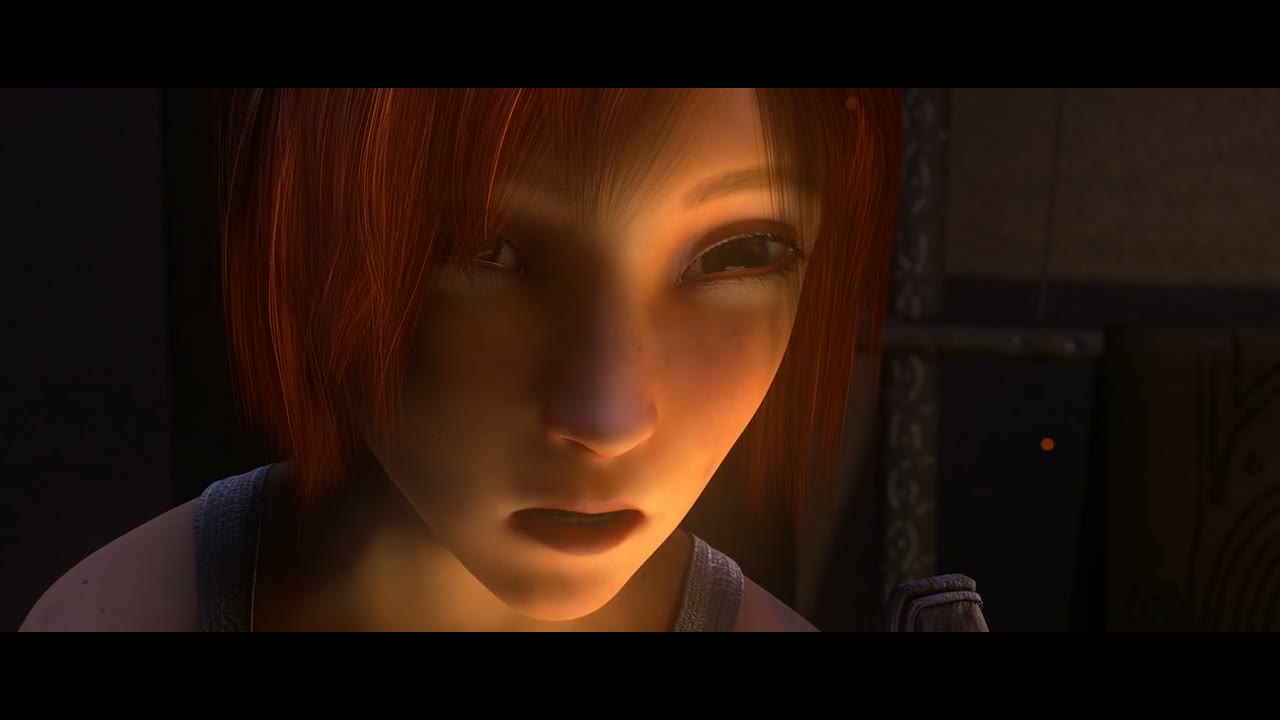 Sintel · A dragon
 What would you like to do?
How to play a voice over game.
Choose a character, catch your cue, and watch a real film scene with your voice in it.
Read the guide →A voice acting game for your next character.
Try a character’s voice, change the delivery, and hear what your performance does to the scene.
Read the guide →Play a dubbing game with real film scenes.
A dubbing game lets you replace a character’s dialogue and watch the result in the original picture.
Read the guide →Voice acting practice, one line at a time.
Use short scenes to work on intention, timing, and listening without needing a long script.
Read the guide →A browser alternative to The Choicer Voicer.
voiceovergame offers free, built-in film scenes. The Choicer Voicer is a separate game by YeahMaybe.
Read the guide →Get your microphone ready to record.
Find the message you see, check the input, and try a short microphone check before performing.
Read the guide →Keep a copy of your finished dub.
Finish your lines, watch the scene, and save a video outside your browser’s local storage.
Read the guide →Give a scene your voice.
Choose a short excerpt, hear the original, and try your own delivery. Free to play, with no signup needed.
Choose a sceneMore questions