How to play a voice over game.
Choose a character, catch your cue, and watch a real film scene with your voice in it.
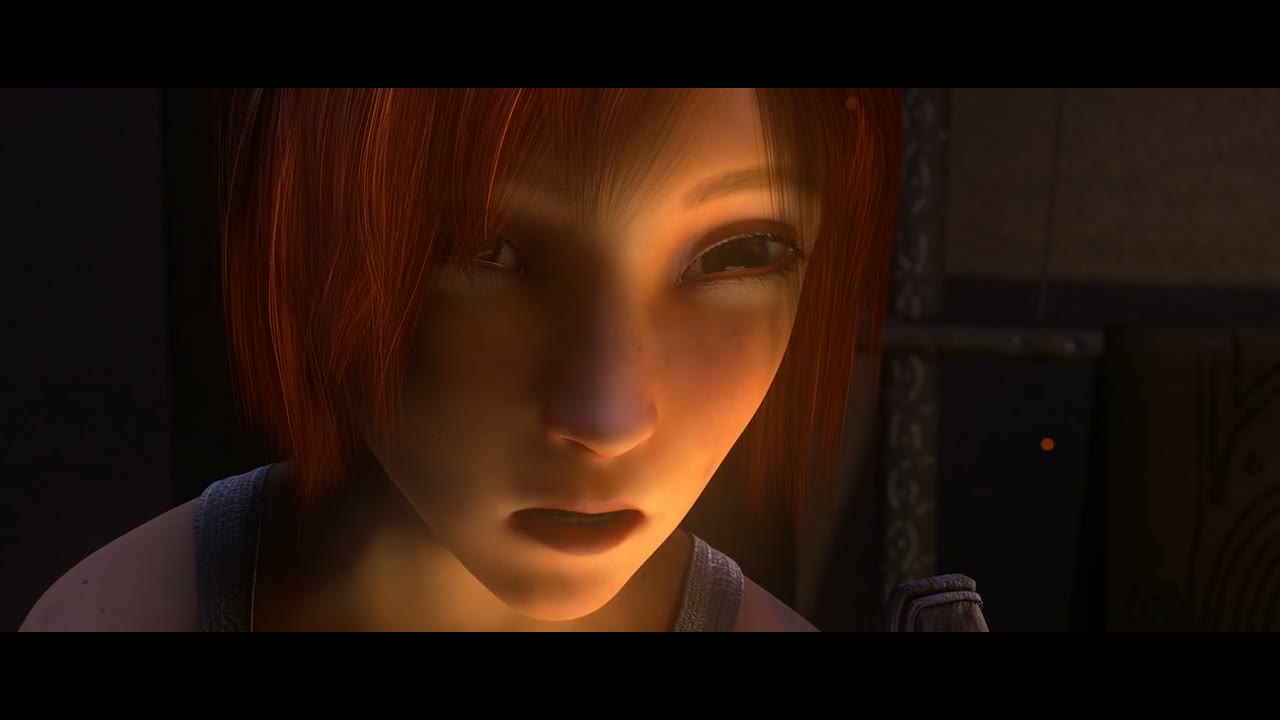 Sintel · A dragon
 What you need
Open voiceovergame in a browser with JavaScript and microphone recording support. You need an input device to record your voice. Headphones help stop playback from leaking into the recording. All current scenes are free, and you can play without signing in.
You can listen to an original-voice preview before granting microphone permission. Opening a scene never switches on the microphone by itself.
1. Choose a scene and your part
The scene library contains 16 licensed film excerpts. A quick take gives you one line per character. A full scene gives you a longer exchange. Start with Sintel: A dragon if you want a short first attempt.
Choose one character in the studio. The other character keeps the original performance. Select both characters to record the whole exchange yourself or pass the microphone to a friend on the same device.
2. Listen, check the mic, and record
Select Hear the original to hear the words, rhythm, and emotion. Use Check microphone to choose an input and see whether your voice registers. Allow microphone access when the browser asks.
Select Record your line. A short countdown appears before the video and recording begin. Speak the displayed line at the matching moment. Recording stops at the end of the line window; you can also stop it yourself. The studio plays back a successfully saved take so you can review it.
The R key starts or stops recording when you are in the studio and are not typing in a field. If the browser cannot find an input, follow the microphone troubleshooting guide.
3. Retake a line or finish the scene
Record again to replace just the current line. Listen to My take and use the numbered line buttons to revisit other lines. A failed or silent retake does not intentionally replace your earlier saved take.
Complete every line for your selected character, then select Finish my dub. Watch the result with your voice, the other character’s dialogue, and the scene’s background audio. An original-voice sample counts as a preview rather than your own performance; you can replace it with a recording later.
4. Keep a copy of your dub
Name the result and select Download video. Supported browsers create an MP4 or WebM on your device. Keep the tab visible until export finishes. See how to download and share a dub for format and credit information.
Drafts live in this browser on this device. Return through Saved dubs to continue. Signing in does not upload recordings or sync them to another browser. Download anything you want to keep before clearing site data.
Questions & answers
Can I play without signing up?
Yes. All current scenes, voice recording, original previews, and video downloads are available without an account.
Can I play a voice over game without a microphone?
You can explore scenes and use the original-voice preview without a microphone. Recording your own voice requires a working input device and microphone permission.
Give a scene your voice.
Choose a short excerpt, hear the original, and try your own delivery. Free to play, with no signup needed.
Choose a sceneMore questions